Mixing Imperative and Declarative
The two APIs build the same tree; use whichever fits the spot.
The example for this page builds as tutorial_13_mixing_imperative_declarative.
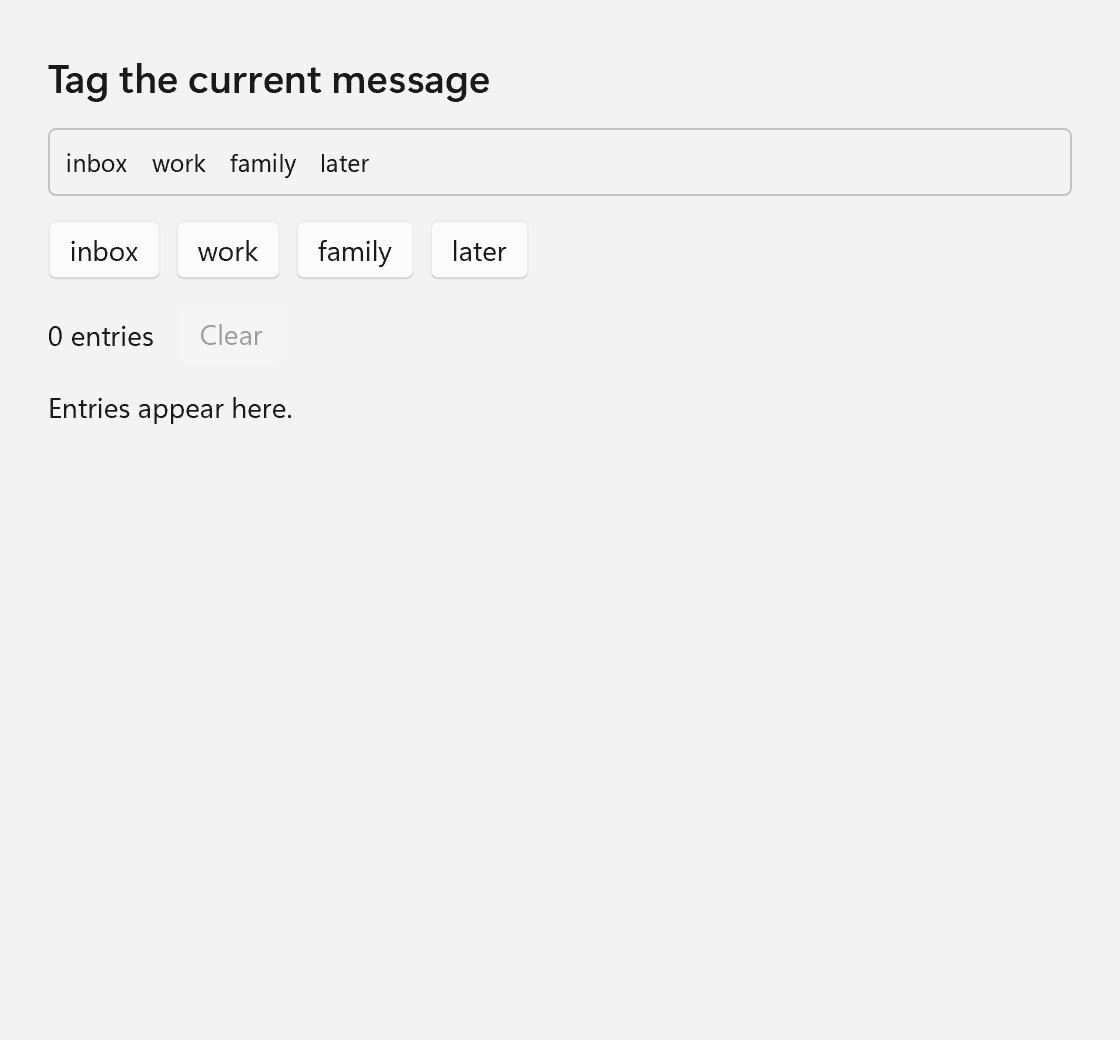
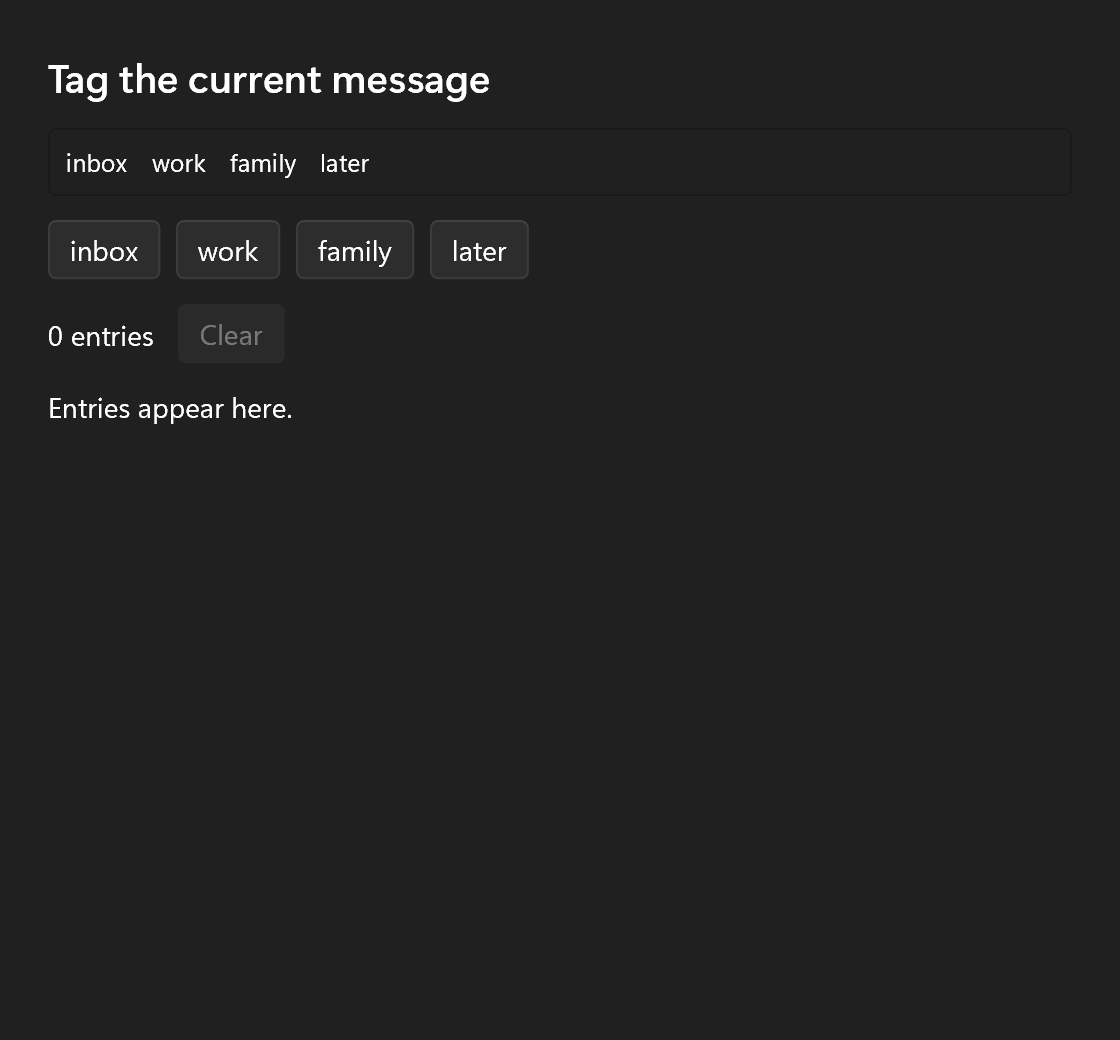
A ui:: spec is a description. build() turns it into the same ui:: controls you can create with std::make_unique and wire up with setters, in the same single-owner tree. Nothing about a node remembers which way it was made, so the two styles mix freely, in both directions. The example is a tagging panel: a declared layout, a legend built by hand, buttons made in a loop, and a history that grows at runtime. The full source is examples/tutorials/13_mixing_imperative_declarative/main.cpp.
const std::vector<std::string> tags    = {"inbox", "work", "family", "later"};
int                            entries = 0;
ui::Control<ui::Text>          counter;
ui::Control<ui::Button>        clear;
ui::Control<ui::VerticalStack> history;
unique_ptr Children in a Declared Tree
Here is a subtree built the imperative way, with the control classes and their setters:
std::unique_ptr<ui::StackControl> make_legend(const std::vector<std::string>& tags)
{
    auto legend = std::make_unique<ui::StackControl>(ui::Orientation::Horizontal);
    legend->set_spacing(12.0f);
    for (const std::string& tag : tags)
    {
        ui::TextControl* label = legend->add(std::make_unique<ui::TextControl>(tag));
        label->set_role(ui::TextRole::Caption);
    }
    return legend;
}
add() takes ownership and hands back a non-owning pointer of the exact type you passed in, so label is a TextControl* you can call setters on right away.
A declared tree takes that std::unique_ptr wherever it takes a spec. Every child slot is a ui::Spec (or a ui::SpecList of them), and ui::Spec has two constructors. One builds a spec, the other adopts a std::unique_ptr to anything derived from ui::Element. ui::Spec is also the return type of a component, so a component can return a hand-built subtree, or wrap one:
ui::Spec legend_card(const std::vector<std::string>& tags)
{
    return ui::Border{
        .border_brush     = ui::Color::from_argb(0x33000000),
        .border_thickness = 1,
        .corner_radius    = 4,
        .padding          = 8,
        .content          = make_legend(tags),
    };
}
.content = make_legend(tags) moves the panel into the border, which now owns it. This is also how controls without a spec get into a declared tree: your own elements before you write a spec for them, and the native controls from Hosting Native Controls.
Setters as the Escape Hatch
Every control keeps its full set of setters, and .control is how a declared tree hands you the control to call them on. You declare a ui::Control<...> handle, give it to the spec, and the spec fills it at the end of build(). Ownership does not change. The tree owns the control, and the handle only points at it.
window.set_content(ui::VerticalStack{
    .spacing = 12,
    .margin  = 24,
    .content =
        {
            ui::Text{.text = "Tag the current message", .role = ui::TextRole::Subtitle},
            legend_card(tags),
            ui::HorizontalStack{.spacing = 8, .content = std::move(tag_buttons)},
            ui::HorizontalStack{
                .spacing = 12,
                .content =
                    {
                        ui::Text{.text = "0 entries", .vertical_alignment = ui::Alignment::Center, .control = counter},
                        ui::Button{
                            .text    = "Clear",
                            .enabled = false,
                            .on_click =
                                [&]
                            {
                                history->clear();
                                entries = 0;
                                counter->set_text("0 entries");
                                clear->set_enabled(false);
                            },
                            .control = clear,
                        },
                    },
            },
            ui::Scroll{.height = 240, .content = ui::VerticalStack{.spacing = 4, .control = history}},
        },
});
counter, clear and history are filled in by the time set_content() returns, and the handlers use them: counter->set_text(), clear->set_enabled(), history->clear().
A binding would work for the counter too. .text = bind(count, ...) over a Property<int> is the better choice when several places show the same value. A direct setter call is fine when the handler that changes the state is also the only place that shows it, as here.
Two things to keep in mind about handles and the pointers add() returns:
- Both are valid as long as the tree owns the node. Removing it (
remove(),clear(), aui::Matchrebuilding, a list row scrolling away) leaves it dangling. - A node may be removed from inside its own handler.
remove(),clear(),set_content(),ui::Matchandui::ForEachpark what they take out until the input or tick that ran the handler has returned, so a Clear button can remove itself. What you destroy yourself is not parked, see Changing the Tree From Inside a Handler.
Changing the Tree From Inside a Handler
A handler runs inside the object that called it, so destroying that object from the handler pulls it out from under the code that is still running.
The built-in containers already take care of the common cases. set_content(), a panel's remove(), ui::ForEach and ui::Match hold on to whatever they let go of until the handler has returned, so a "Remove" button may remove its own row. They cannot protect what you destroy yourself, such as a child your own element frees, a handler replaced from inside itself (button->on_click(...) within that button's on_click destroys the lambda that is running), or a whole window.
The log window in the background work example shows how to avoid that last case:
auto show_log = [&]
{
    if (ui::Window* open = log_window.get())
    {
        open->activate();
        return;
    }
    auto log = std::make_unique<ui::Window>(ui::WindowOptions{.title = "Log", .size = {360, 320}});
    log->set_content(ui::Scroll{
        .content =
            ui::ForEach<std::string>{
                .items = state.log,
                .item  = [](const std::string& line) -> ui::Spec { return ui::Text{.text = line}; },
            },
    });
    // The loop owns it from here and destroys it once it is closed.
    log_window = ui::open_window(std::move(log)).ref();
};
A window's on_closed() runs inside that window's own close handling, so destroying the window from there would destroy it while it is still calling the handler. The example never destroys the log window itself. ui::open_window() takes ownership and destroys the window once it has closed and its close handling is done. log_window keeps only a ui::WindowRef, whose get() returns nullptr from then on, so the next "Show log" opens a new window.
post() is useful on the UI thread for anything that has to happen right after the current handler.
Building a Subtree Imperatively and Dropping It In
A declared tree is fixed when it is built, but the panels in it are ordinary controls. Get one through .control and it grows at runtime like any other. Each tag button calls this helper from its handler:
auto add_line = [&](const std::string& text)
{
    ui::TextControl* line = history->add(std::make_unique<ui::TextControl>(text));
    line->set_role(ui::TextRole::Caption);
};
ui::build() turns a spec into a std::unique_ptr<Element> outside of any container, so a declared piece can be added the same way:
This add() returns an Element*, since that is all ui::build() knows. Use the spec's .control if you need the concrete type.
The other direction is building a list of children in a loop. A braced list cannot be written for a number of items known only at runtime, so fill a ui::SpecList instead and move it into .content:
ui::SpecList tag_buttons;
for (const std::string& tag : tags)
{
    tag_buttons.push_back(ui::Button{
        .text = tag,
        .on_click =
            [&, tag]
        {
            add_line(std::format("{}. Tagged '{}'", ++entries, tag));
            counter->set_text(std::format("{} entries", entries));
            clear->set_enabled(true);
        },
    });
}
Each button captures tag by value and the rest by reference. The references are fine here because everything they refer to lives in main() and outlives the window. In a component function, capture by value or take Property<T>& parameters, as Components explains.
ui::content(a, b, c) is the variadic form, for a fixed set of children passed through a function where a braced list would not deduce.
When to Prefer Which
A simple rule covers most cases: structure you can write down is declared, structure that depends on data or changes at runtime is built.
| Situation | Use |
|---|---|
| The layout of a window, a page, a dialog, a form | A declared tree. It reads like the UI, and the spec's field order puts layout next to behavior. |
| A value on screen that follows state | A bind() on a spec field. |
| One control you act on later (disable it, focus it, feed it) | A spec with .control, then setters. |
| Children counted at runtime, known at build time | A ui::SpecList filled in a loop. |
| Children that come and go while the window is open | .control to a panel, then add(), insert(), remove(). |
| A whole region that swaps with state | ui::Match, see An App Skeleton. |
| Many rows of data | A list control with a template, never a loop of add(); see Lists. |
| A control with no spec | std::make_unique, setters, then move it into a child slot. |
Whichever you pick, the result is the same Window, StackControl, TextControl graph owned through std::unique_ptr, so choosing one style for a part of the window never locks you out of the other.